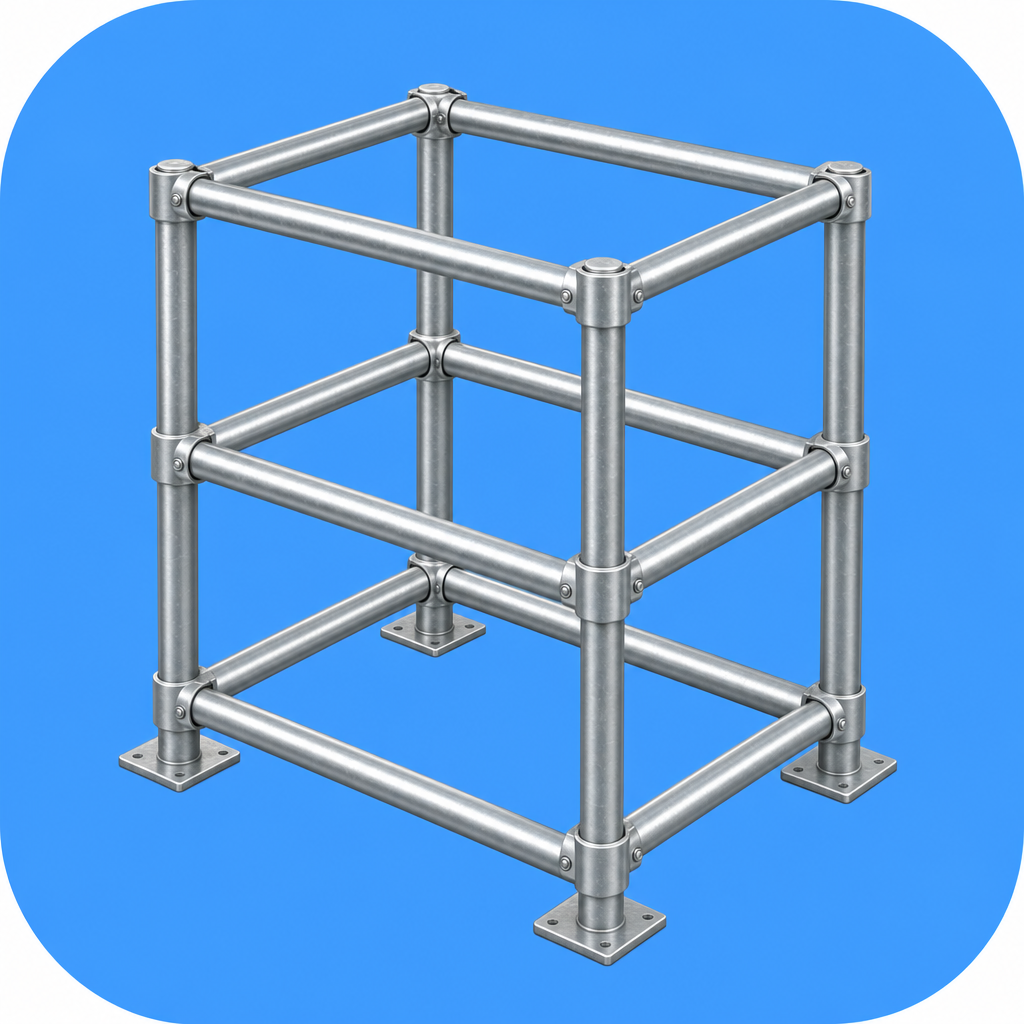
 Pipe Rack Designer
Support
Everything you need to get the most out of Pipe Rack Designer. Still stuck? Email us — we read every message.
How it works
Enter your dimensions
Set width, depth, height and the number of shelves. The 3D rack updates as you type.
Shape it in 3D
Tap the model to add or select a shelf, move it, or turn individual sides on and off.
Choose a joint system
Pick clamp or screw-joint. For screw joints, choose whether posts or beams run through.
Read the parts list
See pipes by length and fittings by shape. Copy it as text for your shopping trip.
Frequently asked questions
What pipe size does it assume?
Standard single pipe with a 48.6 mm outer diameter, the common size for scaffold-style builds.
Does it need an internet connection?
No. Pipe Rack Designer works completely offline. Nothing is uploaded and no account is needed.
What is the difference between clamp and screw-joint?
Clamp type lays full-length pipes side by side and holds them with right-angle and swivel clamps. Screw-joint type plugs pipes into cast joints; you choose which member runs through and the others are split, with split lengths counted.
Can I make an open-front rack like a firewood store?
Yes. Select a shelf and turn off its front side. You can toggle any of the four sides per shelf.
Are the counts exact?
The totals assume a typical rack structure and are a strong guide. Always fine-tune to the real parts on site.
Does it run on iPad?
Yes. On iPad the 3D model and the parts list are shown side by side.
Get in touch
Questions, ideas or a build you want supported? Email us and we will get back to you.
Email support