📷
Capture on site
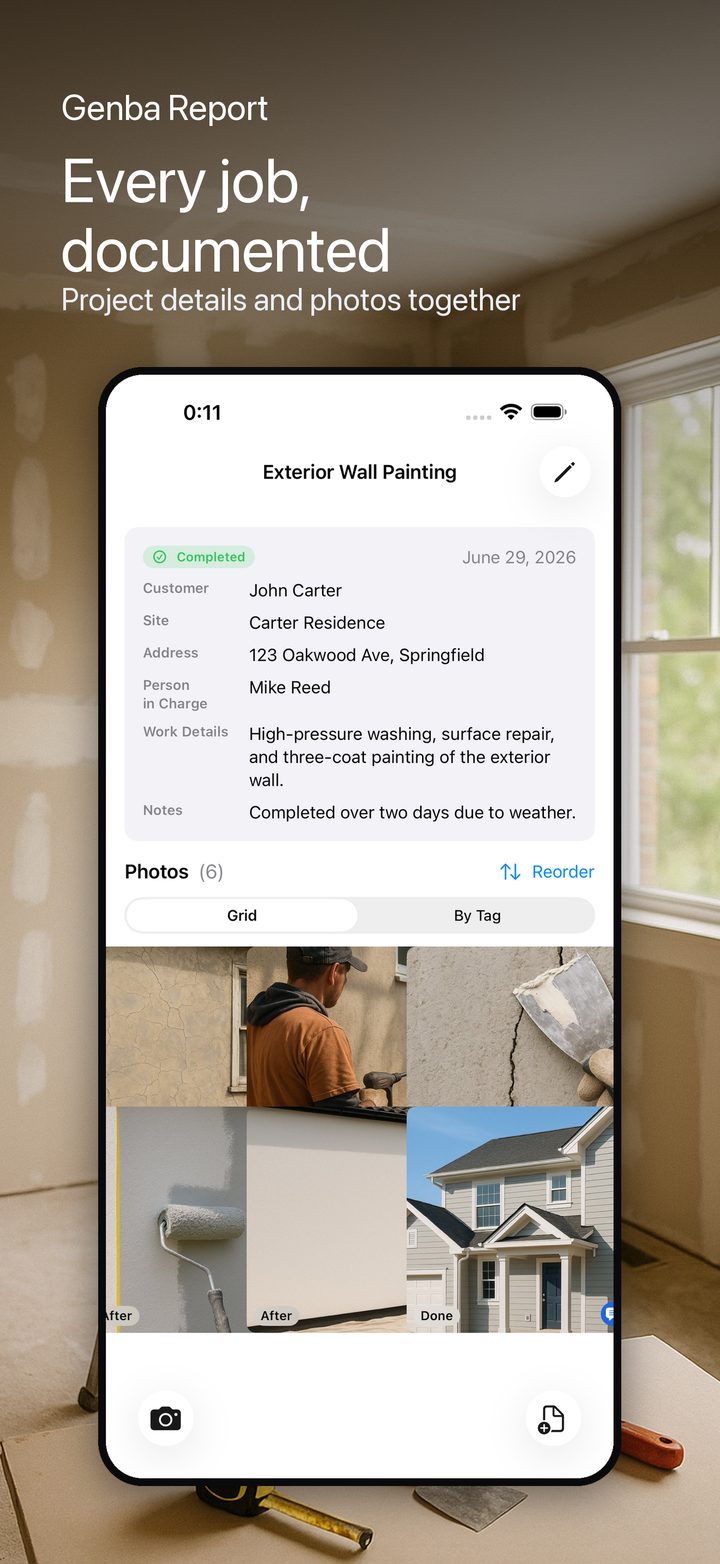
Snap photos right at the work site or import from your library. Each photo becomes a record in your project.
🏷
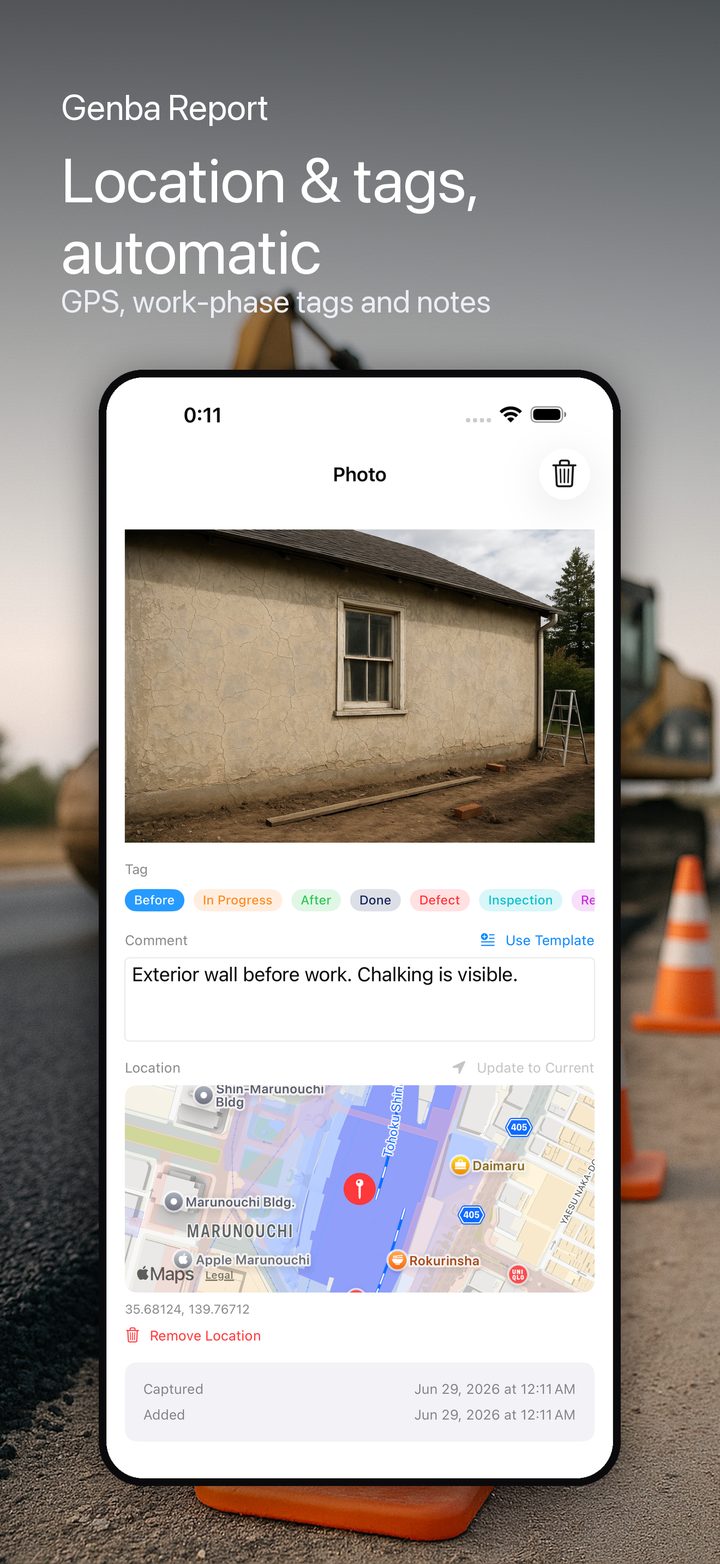
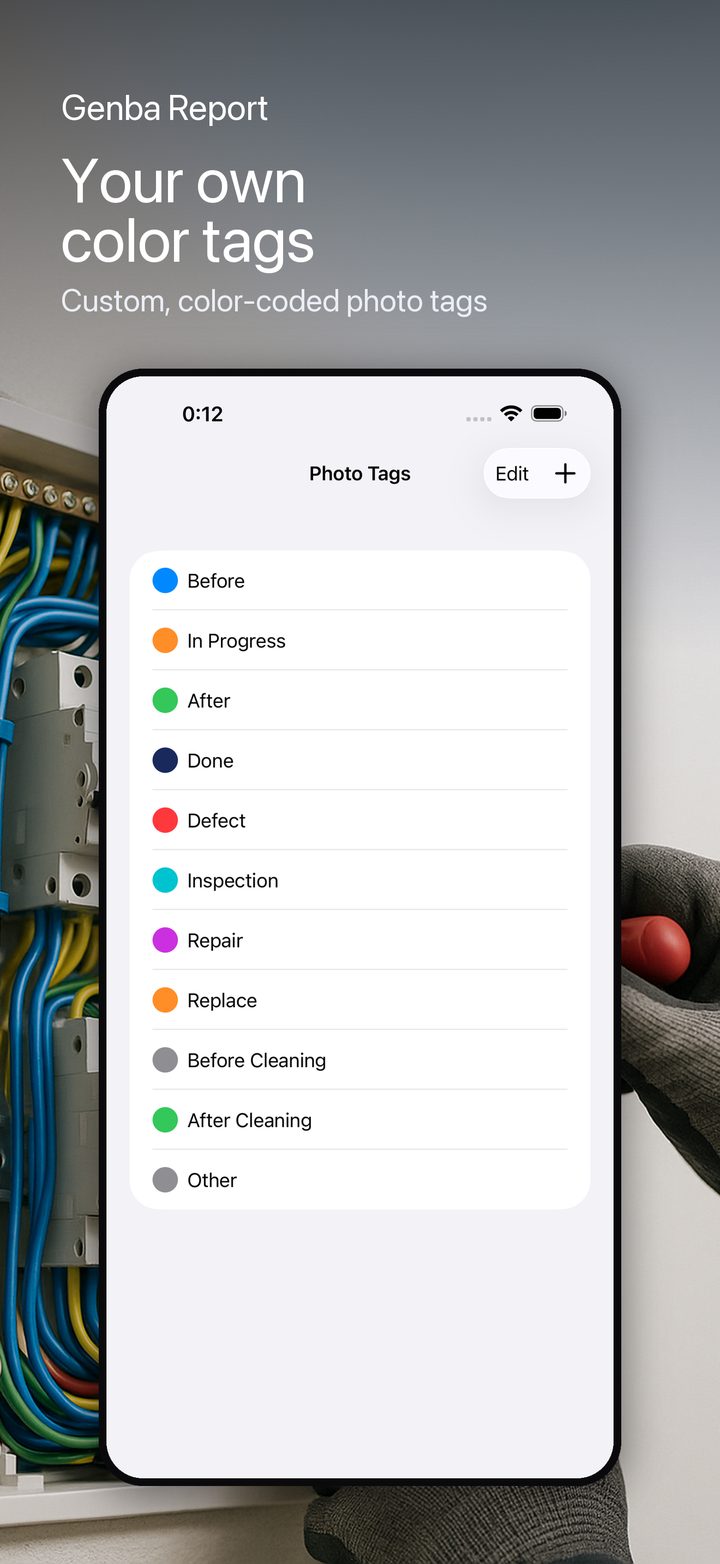
Tag by work phase
Before, during, after, done, defect, inspection and more — color-coded tags keep every photo organized.
💬
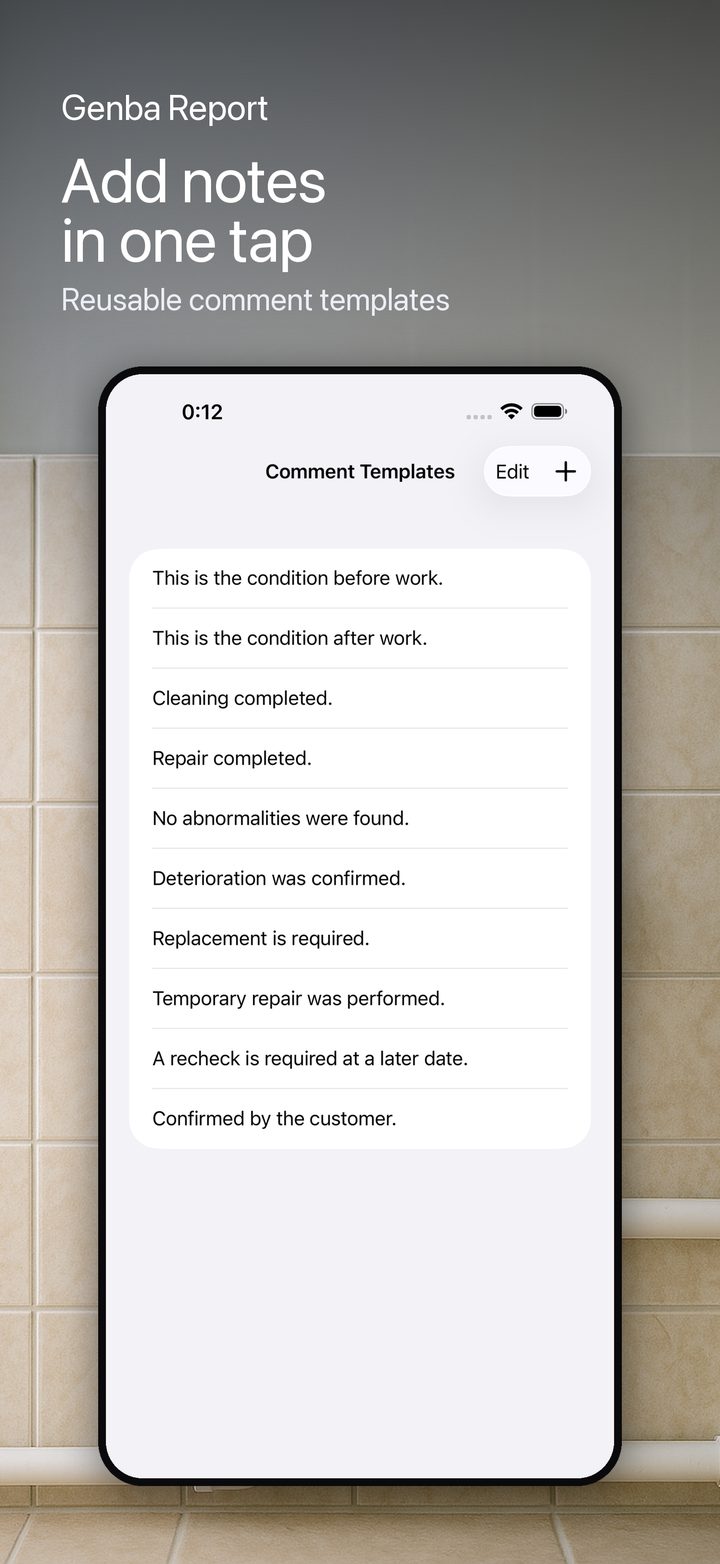
Comment in one tap
Add notes fast with reusable comment templates. Stop typing the same sentence over and over.
📍
Automatic location
Every photo can record where it was taken and show it on a map. Optional and privacy-friendly.
📄
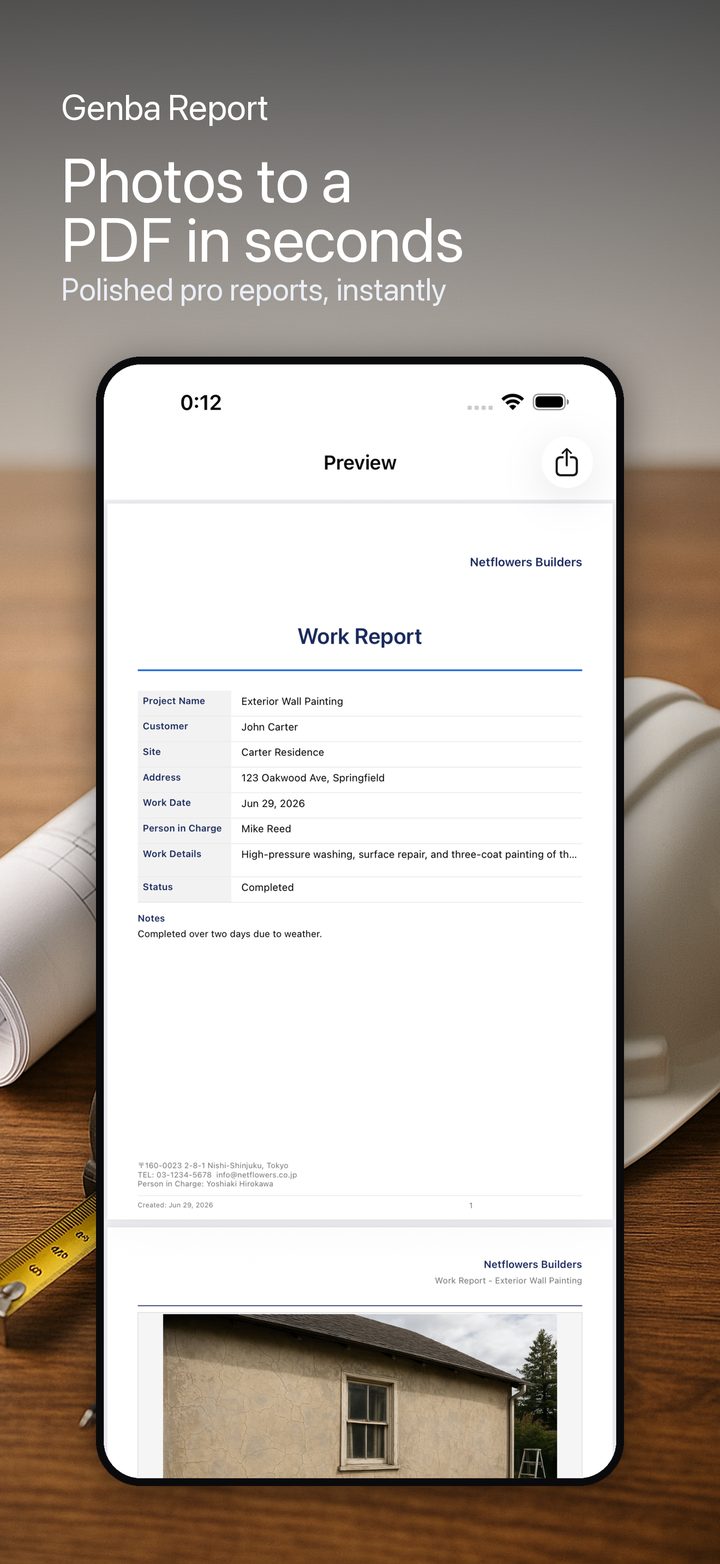
Professional PDF reports
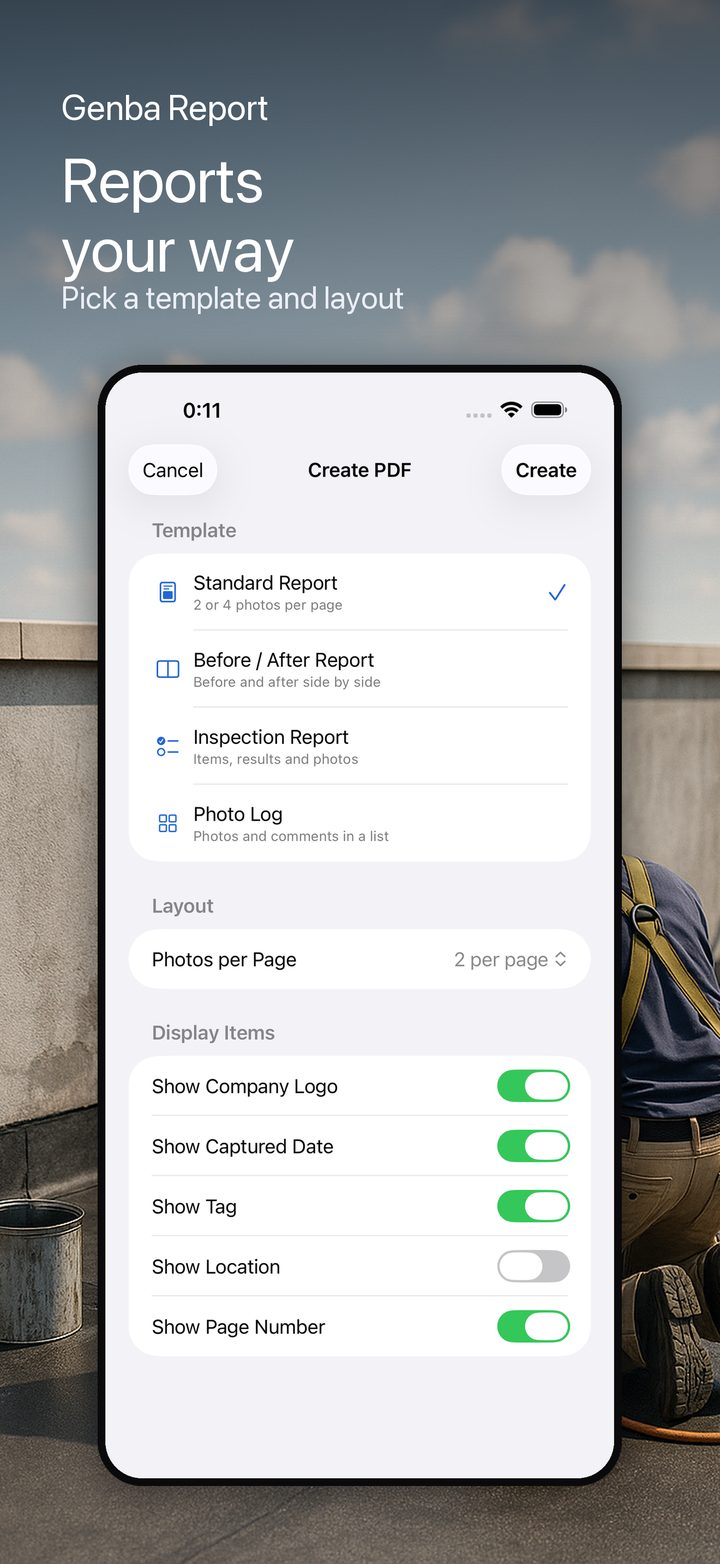
Generate polished PDF reports in seconds. Four templates: Standard, Before/After, Inspection and Photo Log.
🗂
Choose your layout
Set photos per page and show or hide dates, tags, location and page numbers to fit your needs.
🏢
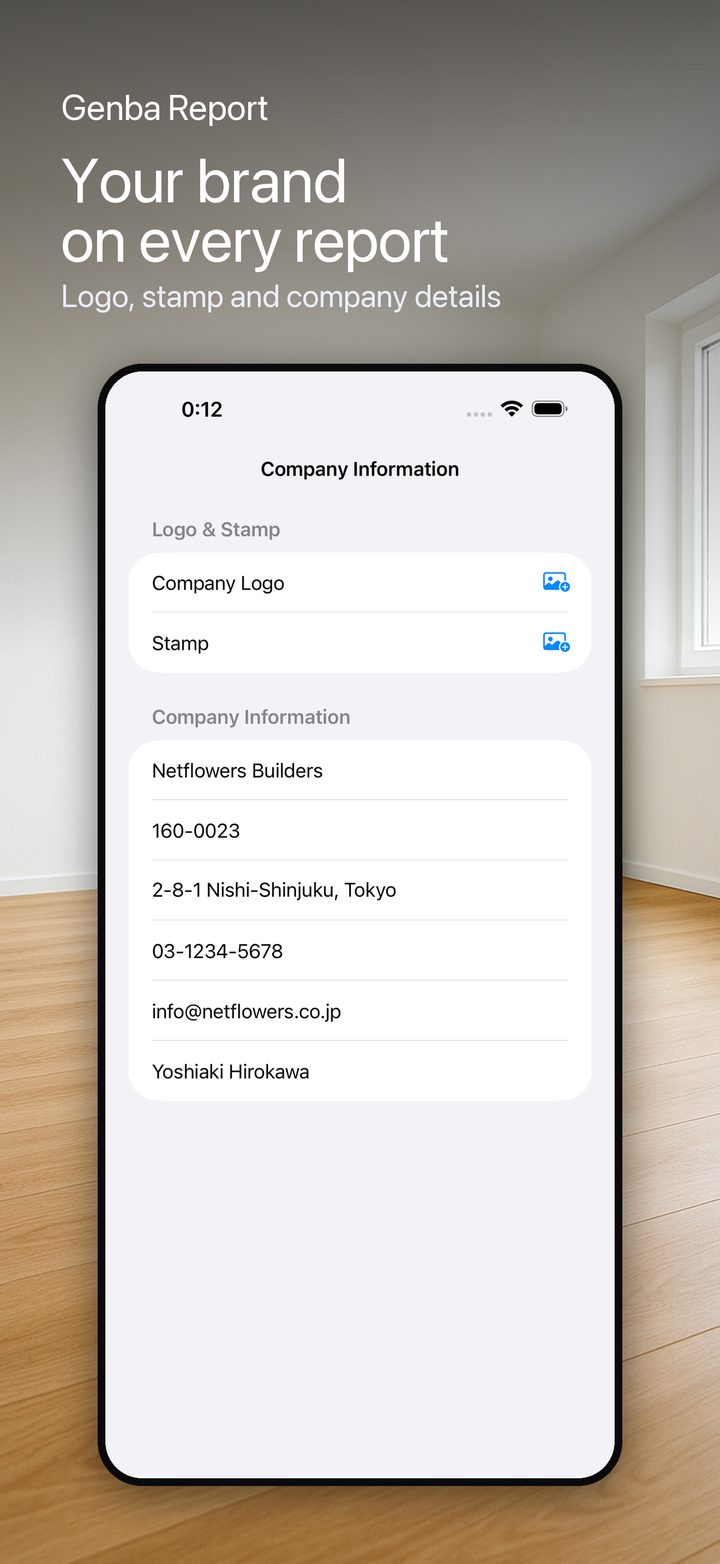
Your company branding
Add your logo, stamp and company details so every report looks unmistakably yours.
📁
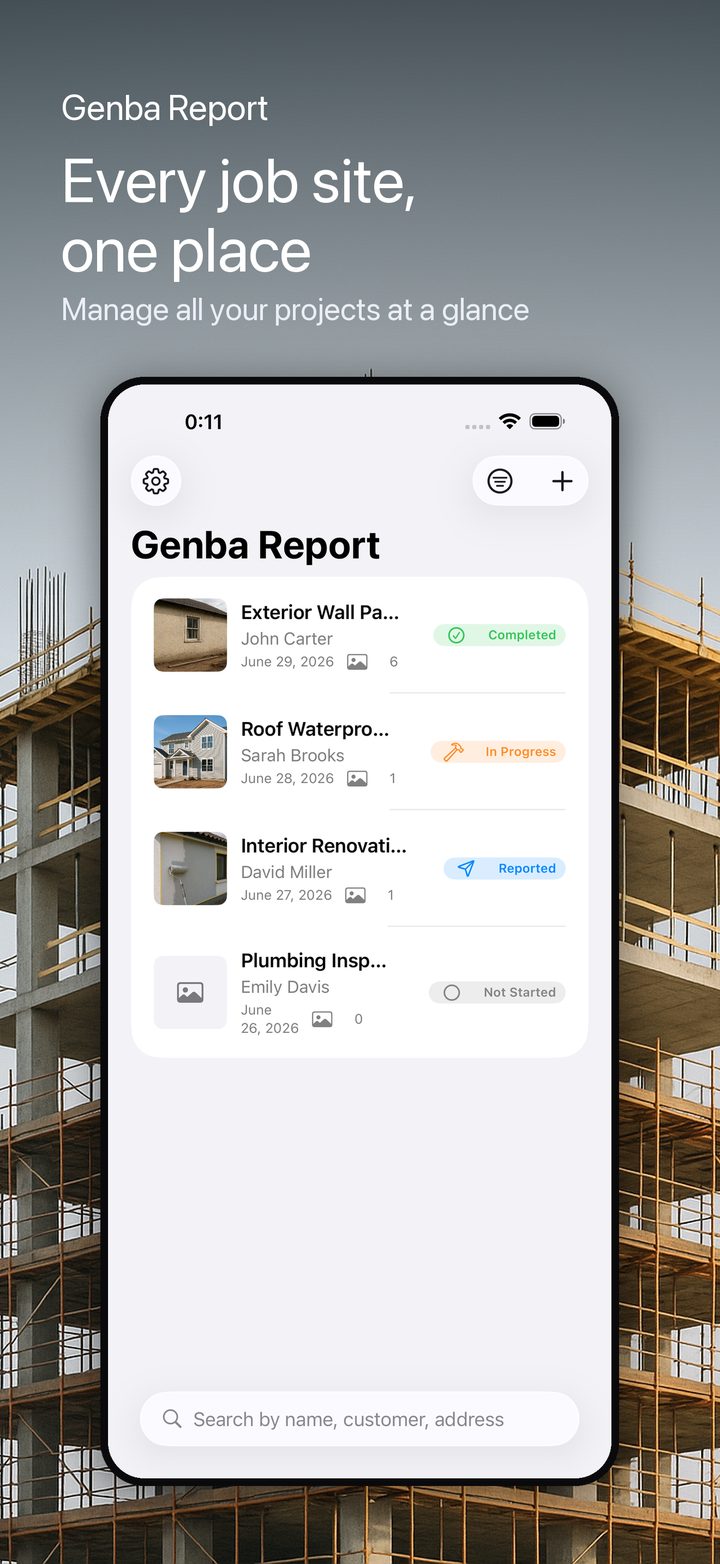
Manage every project
Keep each job in one place with clear status: not started, in progress, completed or reported.
🌐
Your language, your device
Fully localized in 9 languages and optimized for both iPhone and iPad.