Genba Report: foto de obra PDF
genbareport

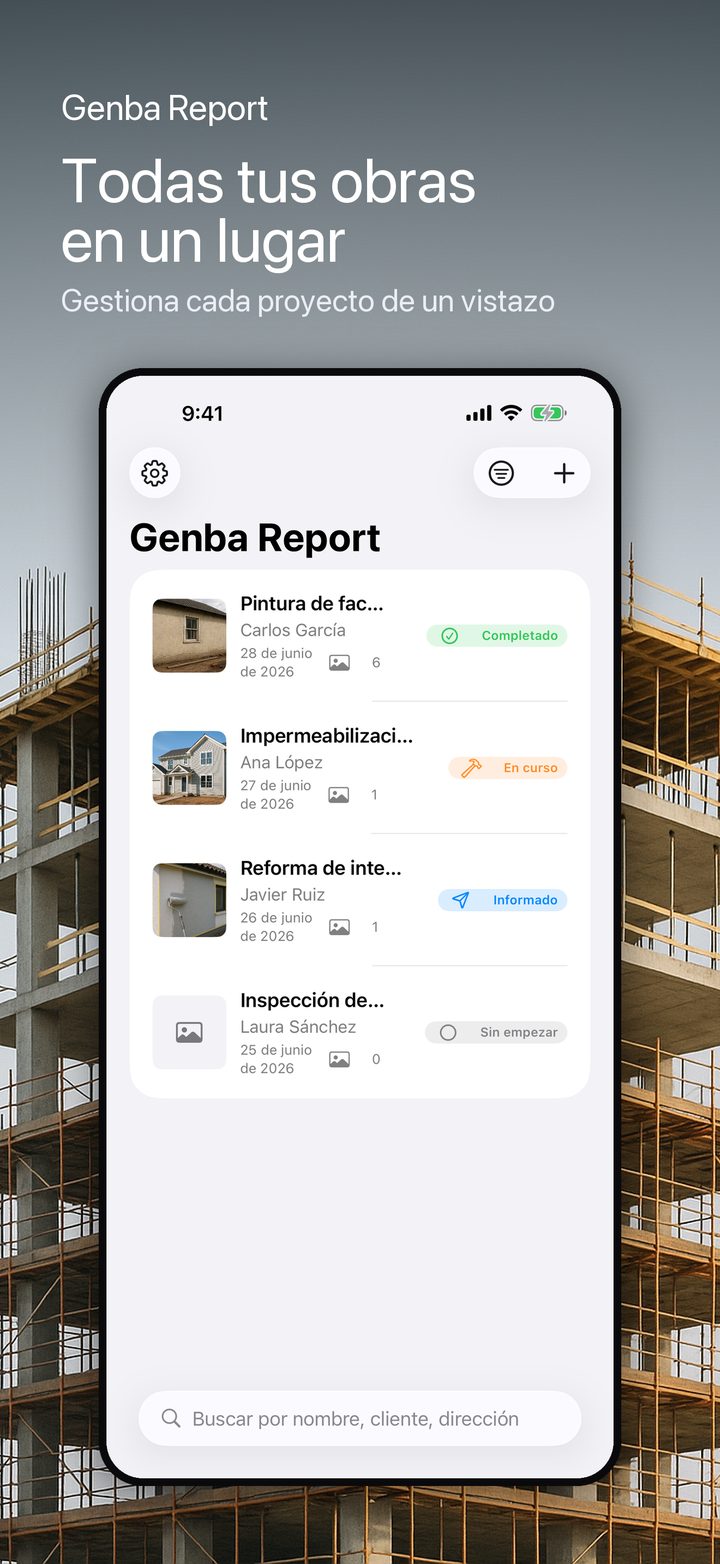
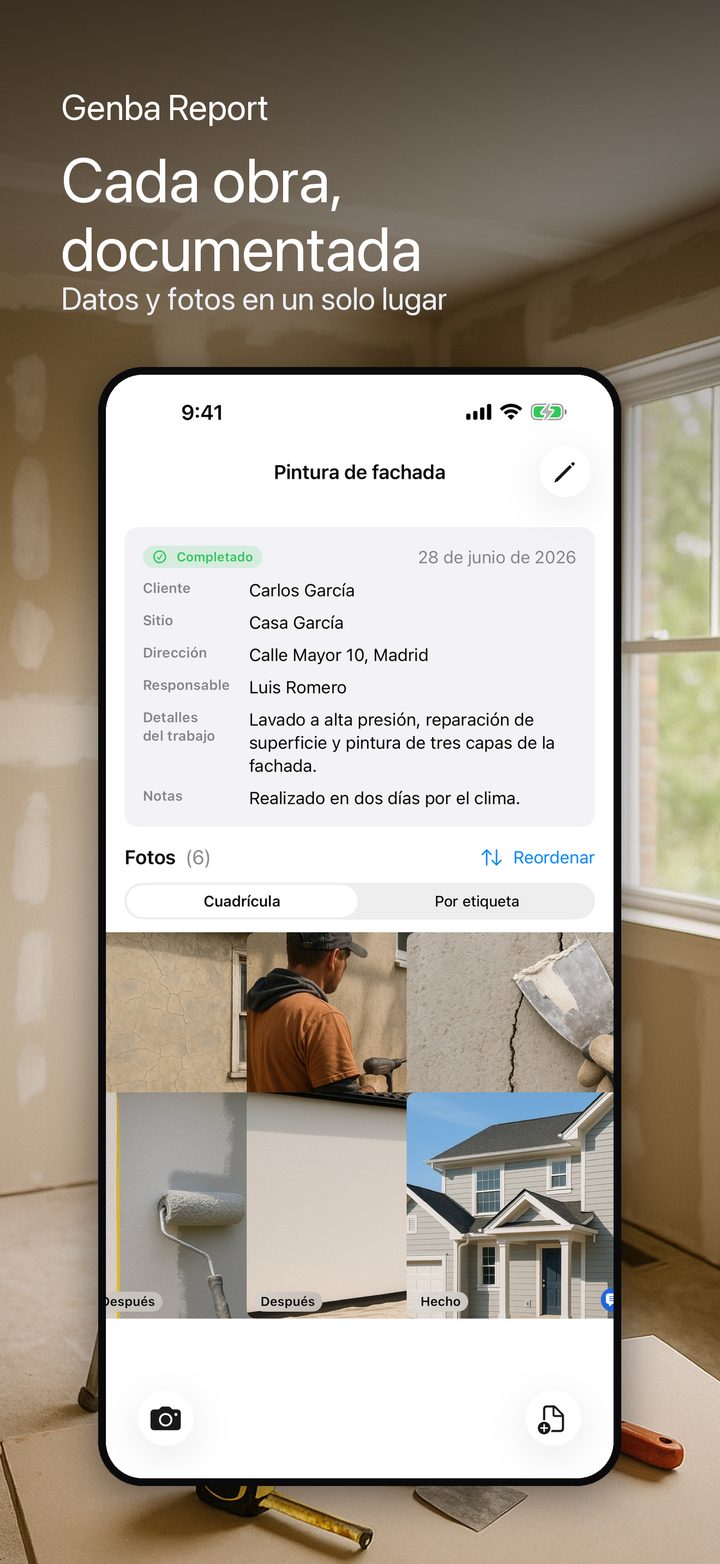
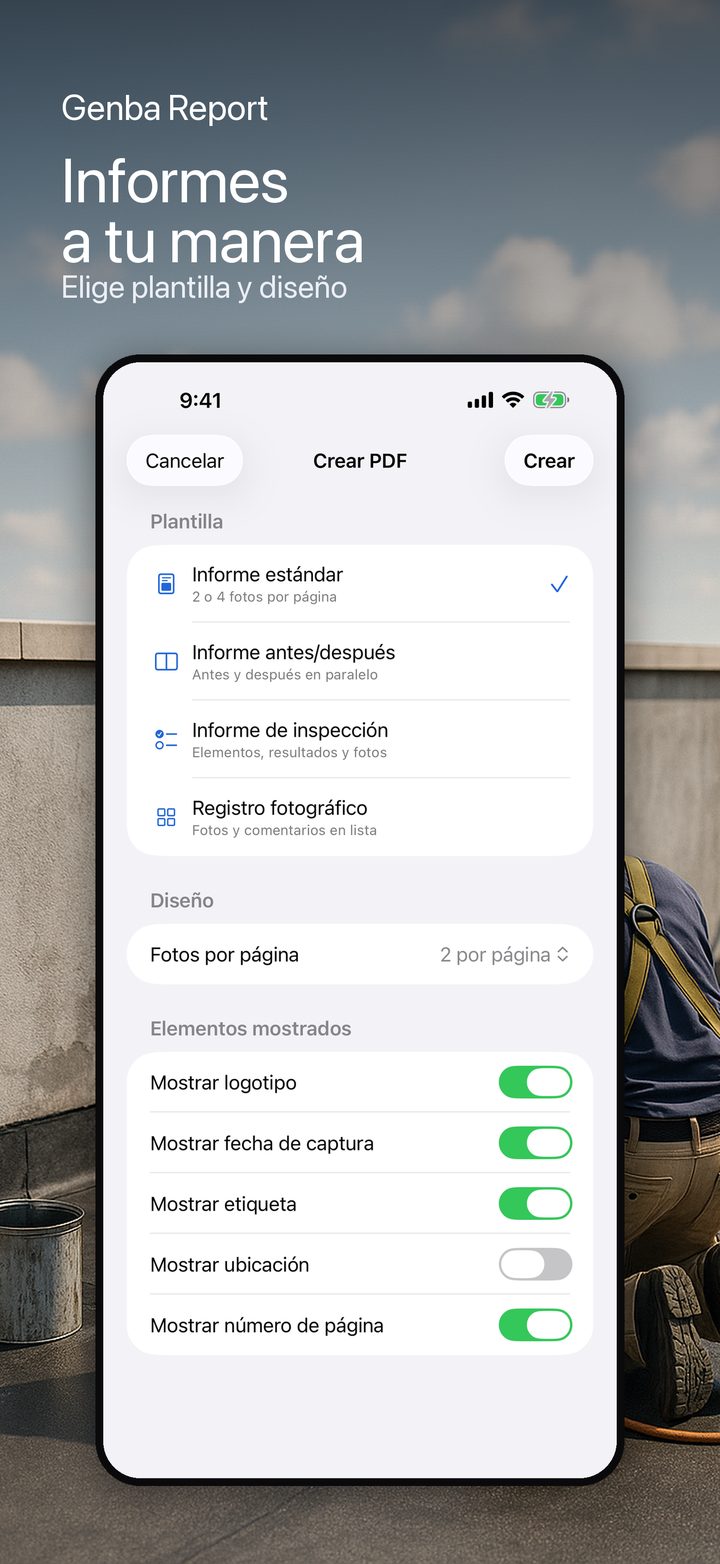
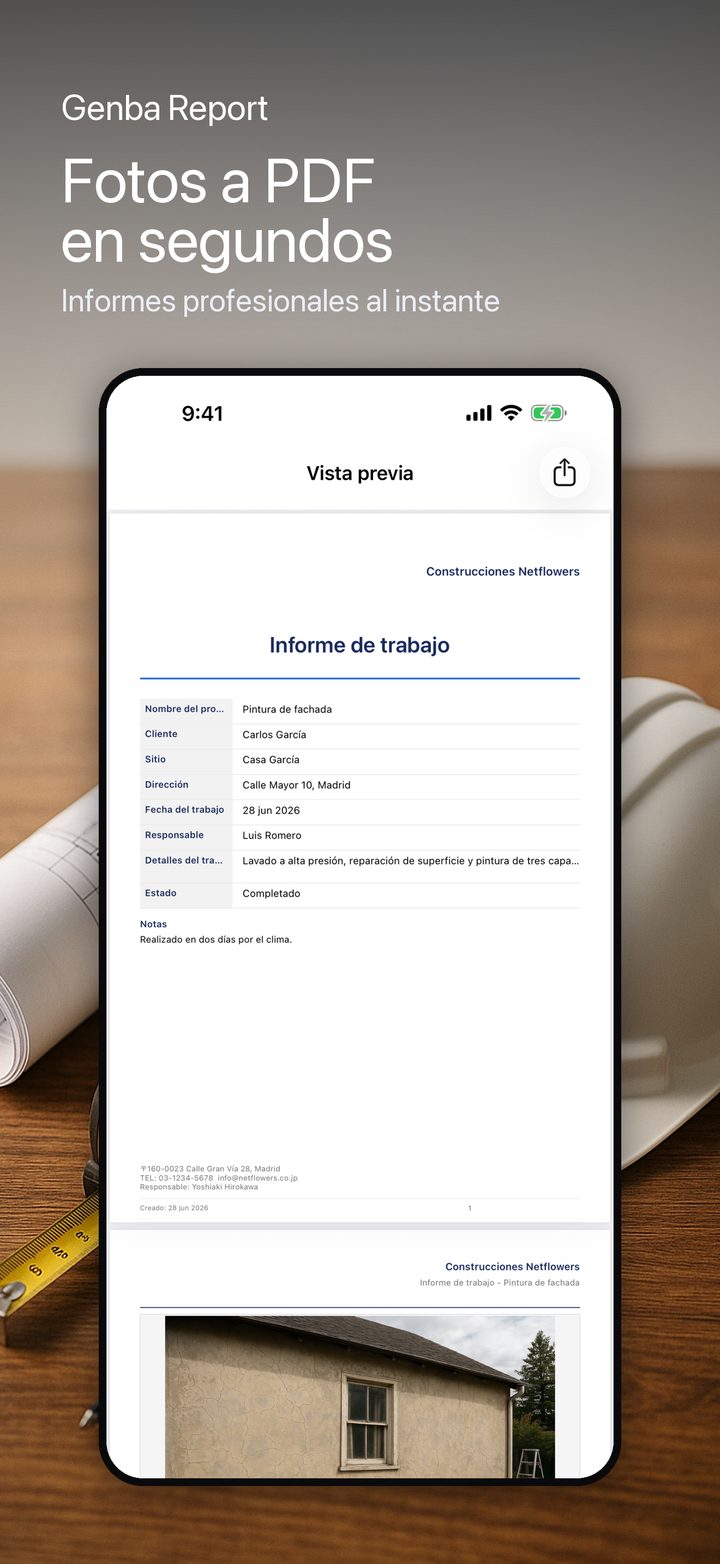
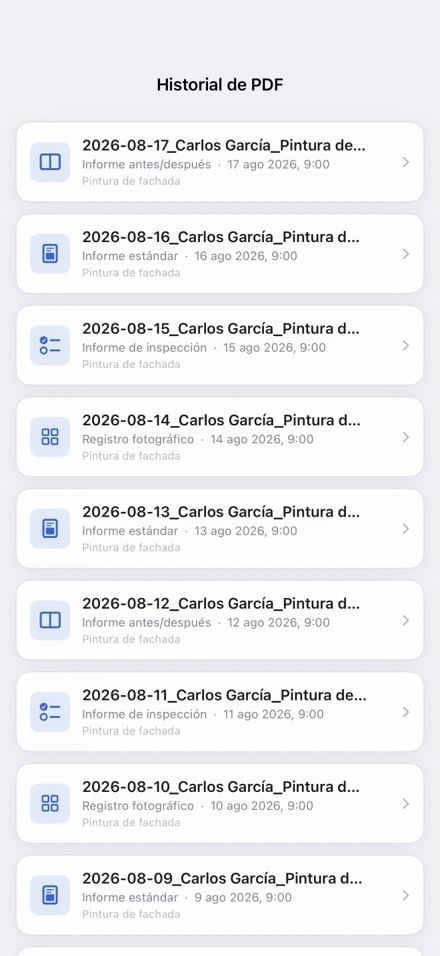
Genba Report overlays an electronic slate on your on-site photos with project name, measurement point, date and more, then turns them into professional PDF reports instantly. Slate data transfers automatically to reports. Before/After photos auto-pair by measurement point. Access all your report history any time.

Fotos de obra con pizarron

01Electronic slate on camera
02Capture on site
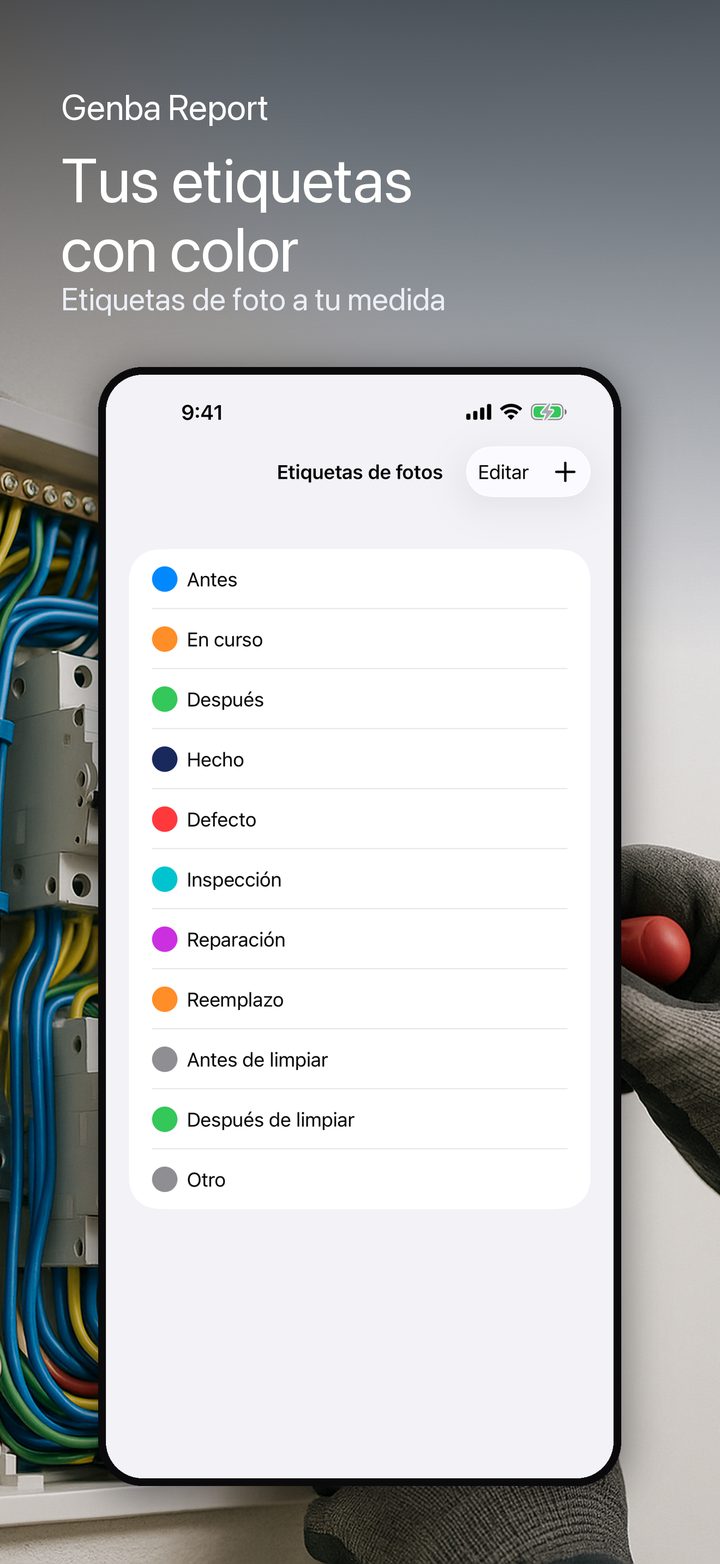
03Tag by work phase
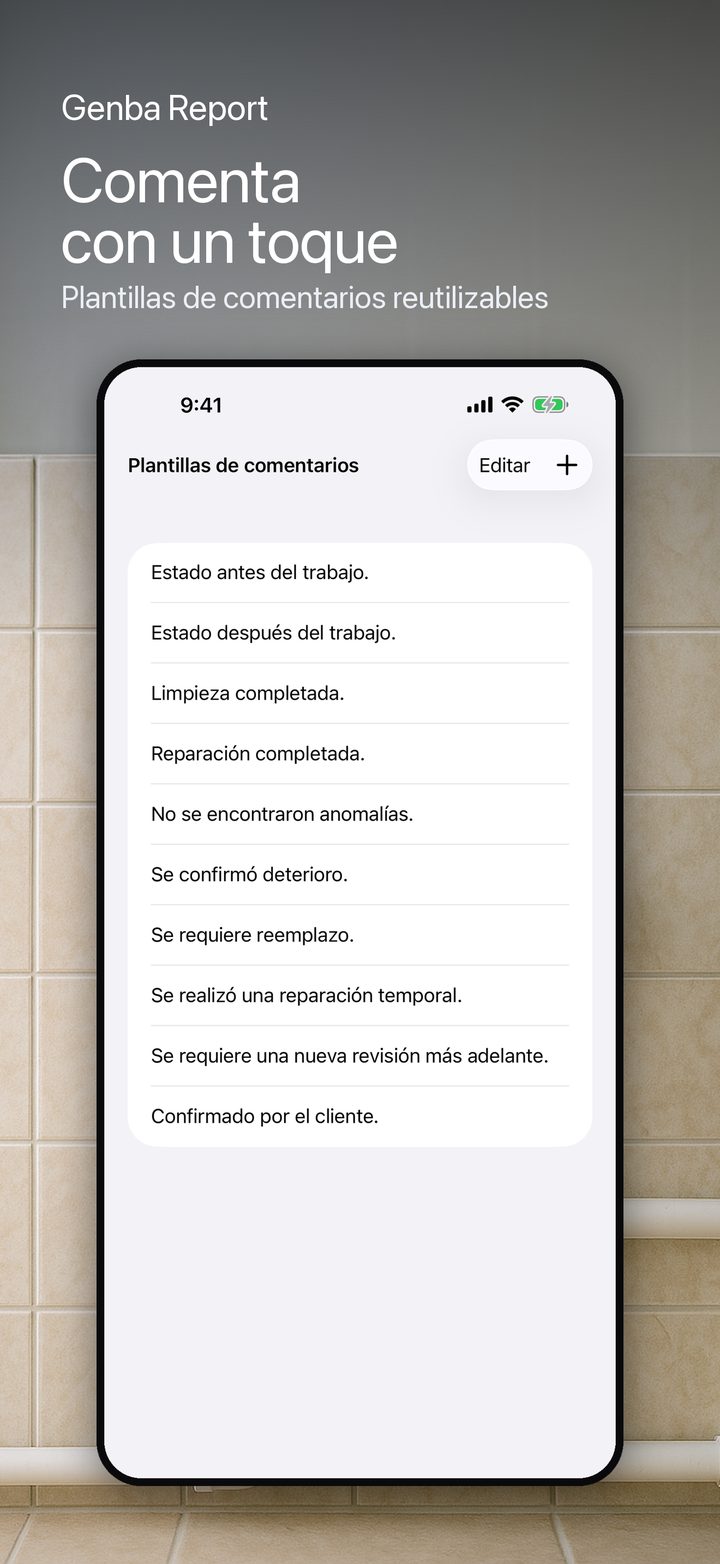
04Comment in one tap
Descargar en el App Store

Funciones

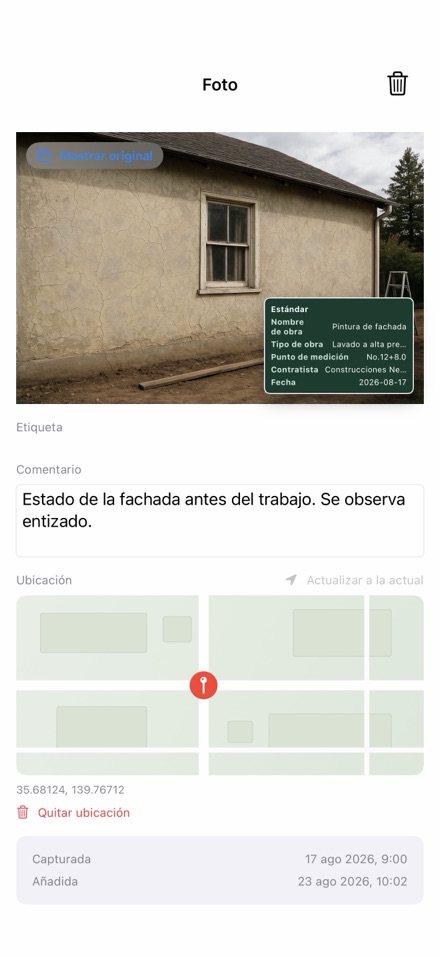
01 Electronic slate on camera Overlay your slate with project name, work type, measurement point, worker, date and more. Customize templates for each job site.
02 Capture on site Snap photos with the slate overlay or import from your library. Original photos saved separately for reference.
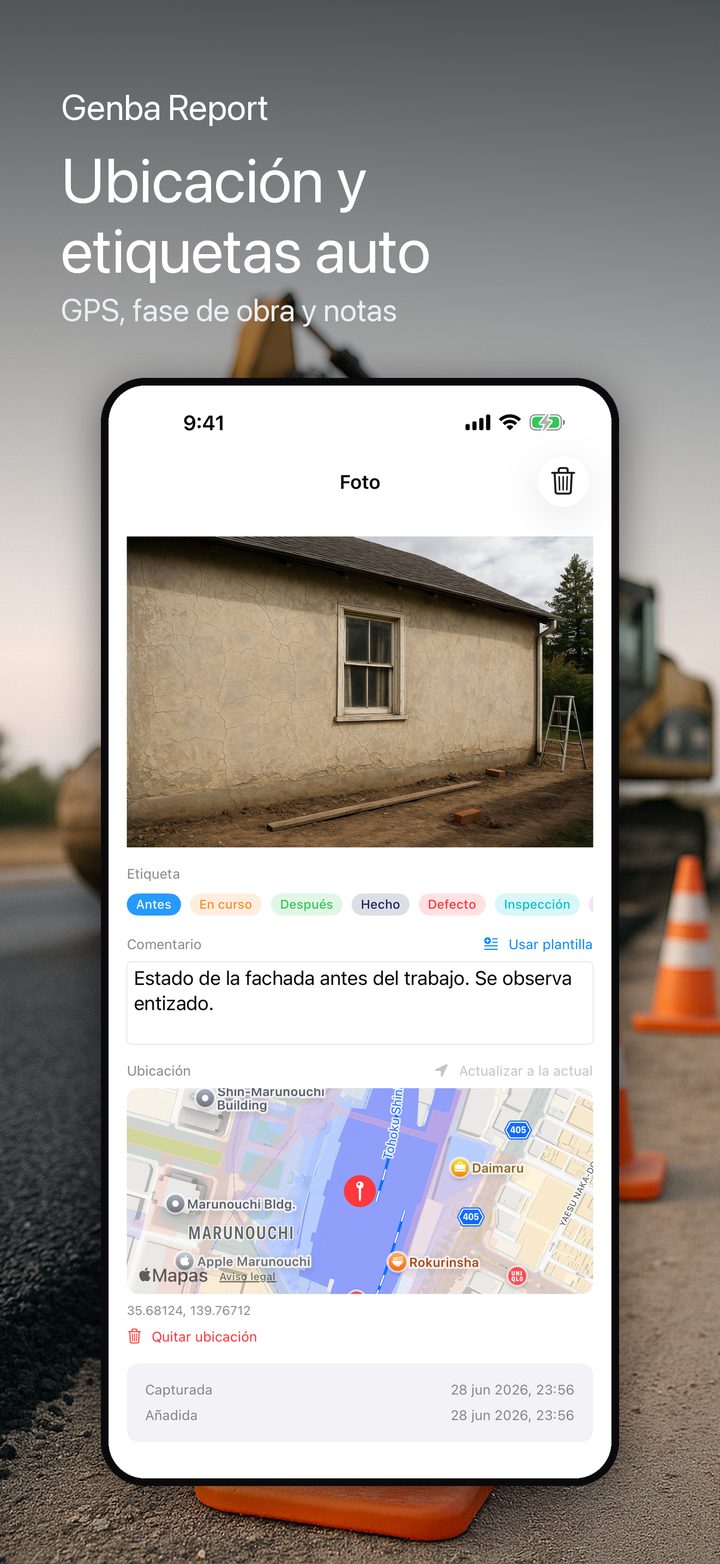
03 Tag by work phase Before, during, after, done, defect, inspection and more — color-coded tags keep every photo organized.
04 Comment in one tap Add notes fast with reusable comment templates. Stop typing the same sentence over and over.
05 Automatic location Every photo can record where it was taken and show it on a map. Optional and privacy-friendly.

Preguntas frecuentes

What slate formats does this support?
The electronic slate is a general-purpose tool for overlaying jobsite documentation items by hand input. It does not guarantee compliance with any specific format or standard your client may require. Always verify your submission requirements with the recipient before relying on the app.
Do I need an account?
No. Genba Report works without any sign-up. Everything is stored on your device.
Does it work offline?
Yes. Slate overlay, photo capture and PDF generation all work without an internet connection.