 FlowerBedPlan: Plant Count
Measure with AR or by hand
Trace the edge of your flower bed in AR to get the area automatically on supported devices. No AR? Just type in the width and length — every feature works fully without it.
Trace your flower bed, and see exactly how many plants you need — and how it will look in bloom, before you spend a cent.
Download on the App Store


Trace the edge of your flower bed in AR to get the area automatically on supported devices. No AR? Just type in the width and length — every feature works fully without it.
Area divided by one plant's footprint overestimates how many fit. FlowerBedPlan calculates the count for a staggered triangular planting pattern, the way real beds are actually planted.
Filter by sunlight — full sun, part shade, or shade. Each flower lists its spacing (15-60cm) and bloom season, and you can mix several flowers and adjust their ratio.
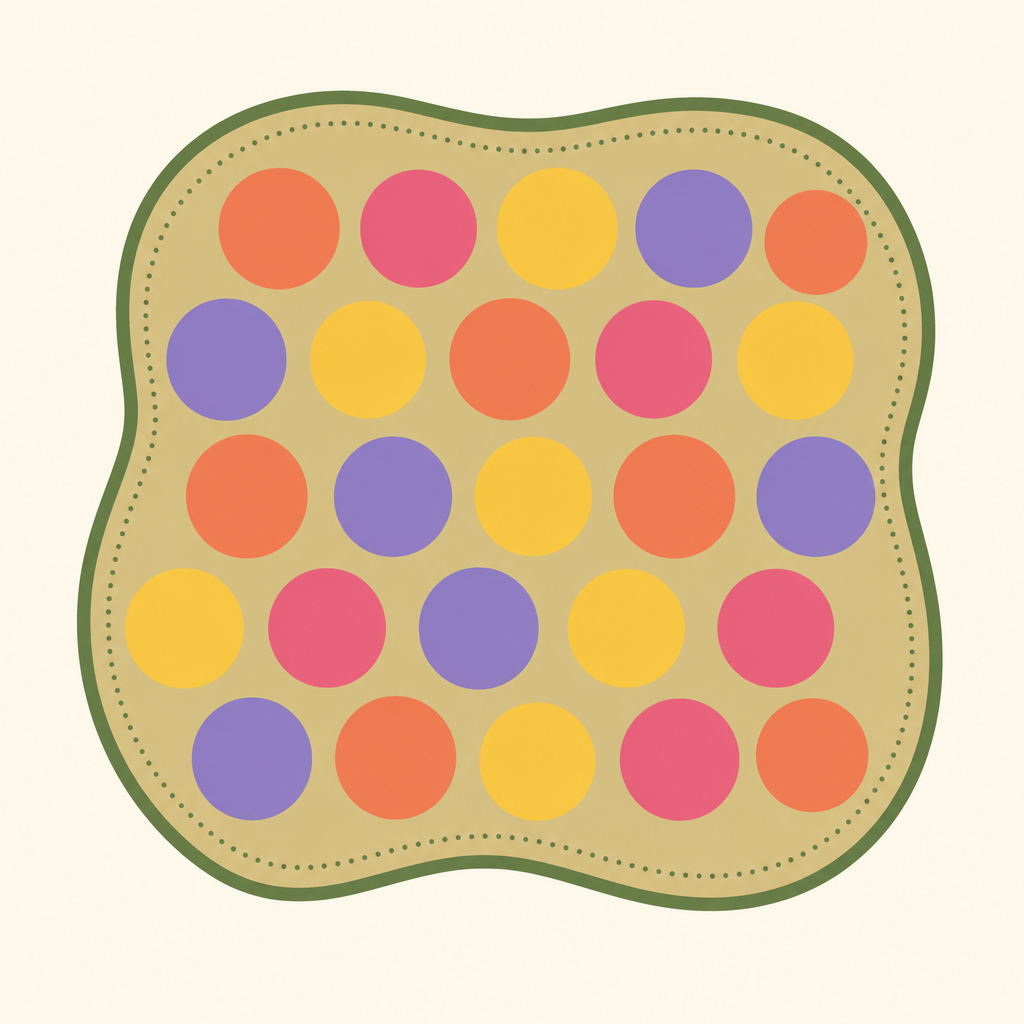
View your chosen flowers arranged in a staggered pattern over a plan view that follows your bed's actual shape, so you know what it will look like before spending anything.
A season slider shows how the bloom changes over the year, so you can plan for colour across spring, summer, and fall.
Save the bloom view as a photo to compare options or show family before you shop.
Figuring out how many plants fit in a flower bed isn't just area divided by the space one plant needs. Real beds are filled with a staggered (triangular) layout, so simple division leads to buying too many plants or running short and making a second trip.
FlowerBedPlan measures your bed and lets you pick the flowers you want, then estimates the number of plants based on a staggered layout. You can preview how the bloom will look on a plan view that follows your bed's actual shape, before you buy anything.
MEASURE THE BED
- Trace the edge of your bed in AR to get the area (supported devices)
- No AR? Just enter width and height — the whole app works without it
PICK YOUR FLOWERS
- Filter by sunlight: full sun, part shade, or shade
- 14 flowers included, each with spacing (15-60cm) and bloom season
- Mix multiple flowers and adjust the ratio between them
PREVIEW THE BLOOM
- See your chosen flowers laid out in a staggered pattern over a plan view of your actual bed photo
- Slide through the seasons to see when each flower blooms
- Adjust a coverage slider from dense planting to more spacing
SHARE IT
- Save or share the bloom preview as a photo
- Show your family before you head to the garden center
This app gives an estimate of plant count and appearance only. Actual planting needs vary with growing conditions. It does not calculate soil amendments or other material costs.
No network connection, no account required. All data stays on your device.